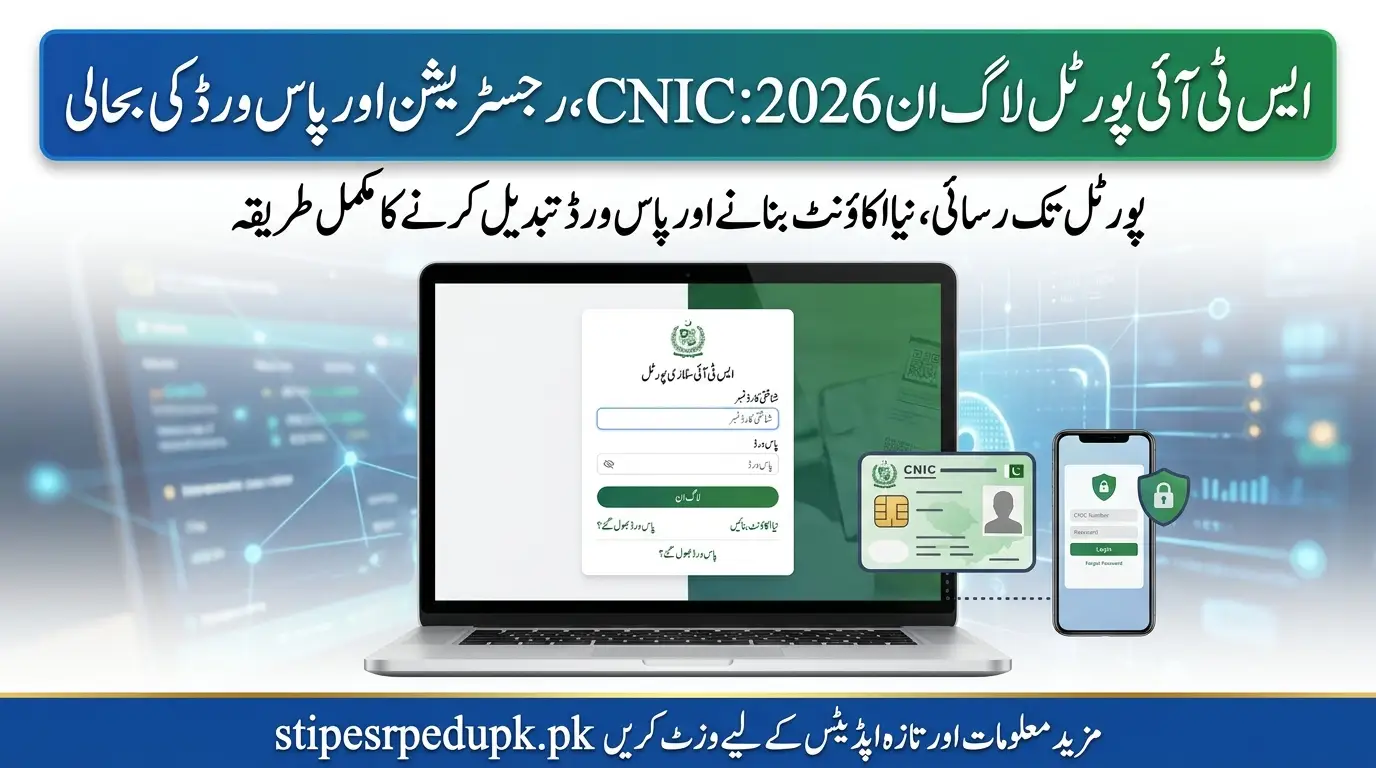
STI Portal Login 2026 is the main online access point for candidates applying for School Teacher Intern jobs in Punjab.
Registered candidates use the portal to sign in with their CNIC and password, complete their profile, add education details, check available internships and submit applications. The official candidate portal is sti.pesrp.edu.pk. A separate admin system is used by schools and administrative staff, so applicants should make sure they are using the correct login page.
The current application deadline is 18 October 2026 at 11:59 PM, so candidates should make sure their account is working before the final day.
Important: STIPESRPEDUPK.PK is an independent information website. We do not collect STI passwords, CNIC details or applications.
STI Portal Login 2026 Quick Guide
| Login Detail | Information |
|---|---|
| Candidate Portal | sti.pesrp.edu.pk |
| Candidate Login | CNIC + Password |
| New User | Register first |
| Admin Login | Separate portal |
| Admin Credentials | EMIS Code/Email + Password |
| Application Flow | Login → Profile Builder → Apply on Internship |
| Current Last Date | 18 October 2026, 11:59 PM |
The biggest mistake candidates make is opening the wrong login page. The candidate system and the school admin system are not the same. Candidate accounts are linked with CNIC, while the admin side uses school-level SIS credentials such as EMIS code or registered email.
How to Login to the STI Portal
If you already created an STI account, you do not need to register again.
Open the official STI candidate portal and go to the login section. Enter the same CNIC and password that you used when creating the account.
The current login screen asks for:
- CNIC
- Password
- Remember Me option
A Forgot Password option is also available for candidates who cannot remember their password.
After successful login, the next important step is to complete your profile before checking available positions.
New Candidate Registration
If you have never created an STI account, use the registration option first.
The registration page currently asks candidates to create an account using a 13-digit CNIC and password. The password is entered again for confirmation.
Use your own CNIC and create only one genuine account.
Do not use:
- another person’s CNIC
- a temporary fake number
- incorrect identity details
Your account information may later be compared with your documents during verification.
What Happens After STI Login?
Logging in is not the same as completing an application.
This is important.
The current portal process follows three main stages:
1. Login
You first enter your CNIC and password.
2. Profile Builder
After login, complete your personal and academic profile.
This may include:
- Name
- Date of birth
- Contact details
- Domicile
- District
- Matric record
- Intermediate record
- Graduation or higher qualification
- Professional qualification
- Other information required by the portal
3. Apply on Internship
Once your profile is complete, check the available internship positions and apply for a suitable vacancy.
Recent current recruitment guidance describes this flow as Login → Profile Builder → Apply on Internship.
This is why some candidates can login successfully but still cannot see or apply for a vacancy. Their profile may not yet be complete.
CNIC Already Registered – What Does It Mean?
One of the most common STI portal problems is:
“CNIC already registered”
This normally means that an account already exists with that CNIC.
Do not immediately try to create another profile.
Instead:
- Open the candidate login page.
- Enter your CNIC.
- Try your existing password.
- If you do not remember it, use Forgot Password.
- Recover the same account instead of creating duplicates.
Using multiple accounts can create unnecessary confusion in your application record.
Forgot STI Portal Password
If your password is not working, first check simple things.
Make sure:
- Caps Lock is not on
- There is no extra space
- You are entering the correct password
- You are on the candidate page and not the admin page
If the password is genuinely forgotten, use the portal’s Forgot Password option. Current guidance specifically recommends recovering the existing account rather than creating another account for the same CNIC.
After resetting your password, save it somewhere secure.
Never share your password or OTP with someone offering to submit the application for you.
Candidate Login vs STI Admin Login
These two pages serve different users.
| Portal Type | User | Login Details |
|---|---|---|
| Candidate Login | STI applicants | CNIC + Password |
| STI Admin Login | School / administrative staff | EMIS Code or Email + Password |
The admin screen is described as Login With SIS Credentials. SIS credentials are connected with the Punjab School Information System and are intended for authorized school-level users.
If you are applying for an STI job, you normally do not need the admin portal.
This distinction matters because searching Google for terms like STI admin, STI PESRP login, or STI portal login can show both types of pages.
STI Portal Login Works but Vacancies Are Not Showing
This problem can happen even when your login is correct.
Possible reasons include:
- Your profile is incomplete
- Required education details are missing
- District information is incomplete
- No matching vacancy is available
- The portal has not loaded the vacancy data correctly
- Filters are hiding available positions
First complete every required profile section.
Then reload the internship or vacancy section.
Do not enter false qualifications or district details just to make additional vacancies appear.
Profile Is Complete but Application Is Not Submitted
Another common mistake is assuming that a completed profile means the application has been submitted.
It may not.
After building your profile, you still need to select an available internship position and complete the application step.
Before leaving the portal, check whether the selected vacancy shows a submitted, applied, or similar confirmation.
If the portal provides:
- application number
- tracking reference
- downloadable receipt
- print option
save it for your record.
A screenshot can also be useful.
STI Portal Is Slow or Not Opening
A recruitment portal can become slow when thousands of candidates access it near the deadline.
If the STI portal is not loading properly:
- Check your internet connection
- Try Chrome or Edge
- Refresh once instead of repeatedly
- Clear browser cache if the page appears broken
- Try another device
- Avoid opening many portal tabs
- Try again during a less busy period
Do not move to a random website that asks for your CNIC and password just because the official portal is temporarily slow.
Always check that the domain ends with:
pesrp.edu.pk
before entering login details.
Wrong Information in STI Profile
If you notice a mistake in your profile, first check whether the portal still allows editing before final submission.
Common mistakes may include:
- wrong marks
- wrong passing year
- incorrect district
- incorrect phone number
- wrong degree
- spelling mistakes
Do not create a second account to fix one profile mistake unless the official system specifically instructs you to do so.
If an edit option is available, correct the information inside the same account.
STI Portal Security Tips
Your STI account contains important recruitment information.
Protect it like any other personal account.
Never share:
- Password
- OTP
- CNIC photo
- Email password
- Verification code
A person who asks for your password to “increase merit” or “confirm selection” should not be trusted.
STI selection is based on the recruitment process, not on payment to agents.
What to Do Before 18 October
Do not only create an account and leave it.
Before the current deadline, check that:
- Your account opens
- Your profile is complete
- Academic information is correct
- The right district is selected
- You can see suitable vacancies
- Your application has actually been submitted
- You saved any confirmation or reference number
The current schedule shows online applications closing on 18 October 2026 at 11:59 PM, followed by the preliminary merit list on 23 October 2026.
Final Words
The STI Portal Login 2026 is more than a simple sign-in page. It is the starting point for your candidate profile and online STI application.
Use the candidate portal if you are applying for a School Teacher Intern position. Register with your real CNIC, complete the Profile Builder, check available internships and confirm that your application has actually been submitted.
If your CNIC is already registered, recover the existing account. If vacancies are not showing, check your profile and vacancy filters before assuming there is a portal error.
Most importantly, use only the official sti.pesrp.edu.pk system for login and application activity.
Never share your CNIC password or OTP with unofficial websites or unknown people.
STI Portal Login FAQs
What is the official STI Portal?
The official candidate portal is sti.pesrp.edu.pk.
How do I login to the STI Portal?
Open the official portal and enter the candidate login details requested by the system, including your CNIC and password.
What if I forget my password?
Use the password recovery option instead of creating another account.
Why does the portal say CNIC already registered?
It usually means an account may already exist with that CNIC. Try login or password recovery first.
Is STI Admin Login the same as candidate login?
No. Admin access is for authorized school or administrative users. Candidates should use the normal STI candidate portal.
Can I create two STI accounts?
Candidates should avoid creating multiple accounts unless official instructions specifically require it.
